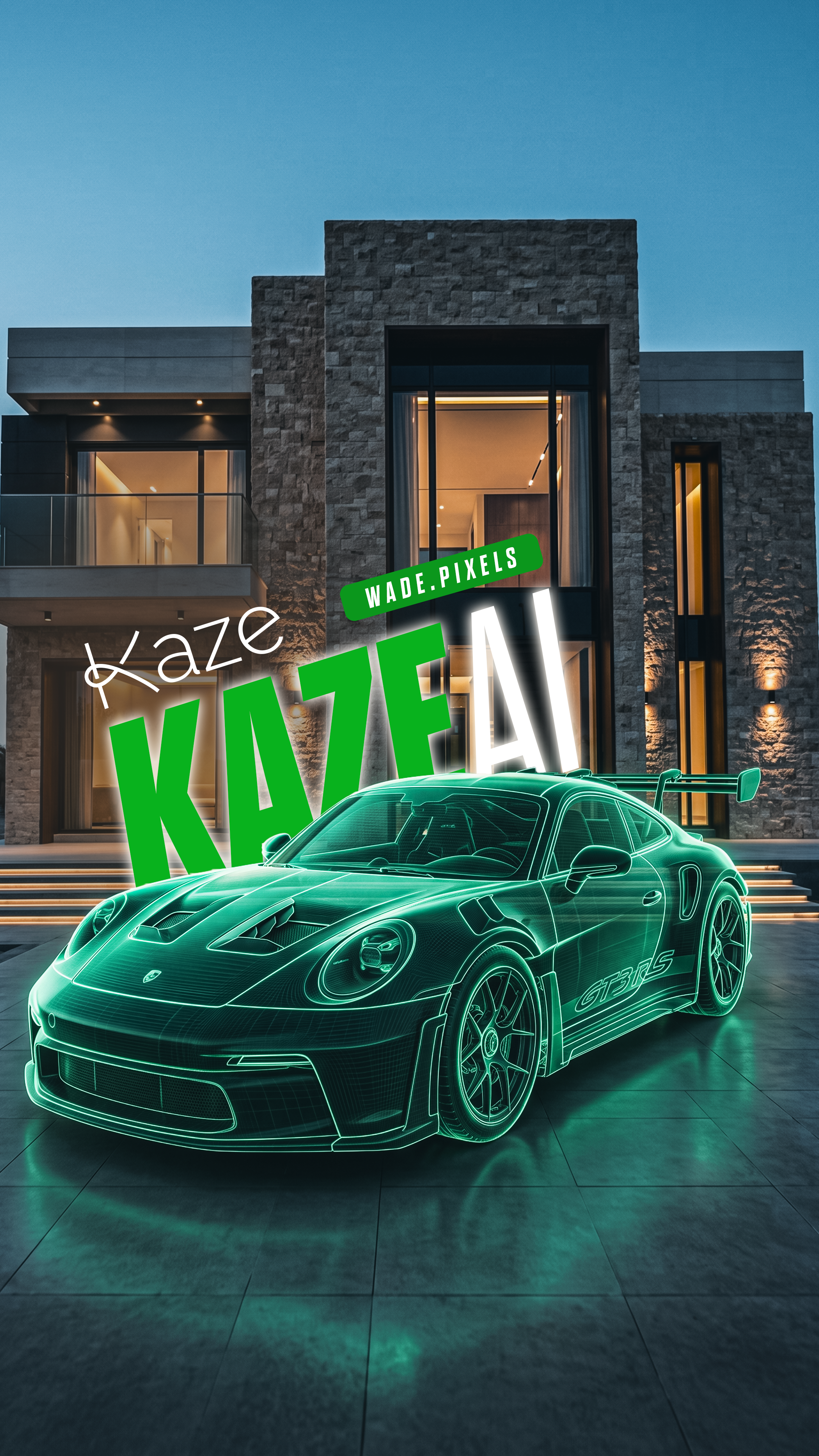
Turn a plain clip of empty land into a Hollywood-grade construction sequence — a luxury villa, an orange Porsche, paving, trees and a fountain assembling themselves onto your untouched footage.
This workflow composites premium CGI directly onto real video. You start by filming an empty plot of land, then hand that clip to Kaze AI as a locked live-action plate. One massive, camera-tracked prompt drives the entire show: a villa erupting from underground, a Porsche 911 GT3 RS assembling piece by piece, paving tiles clicking into place, mature trees dropping from the sky, and a working fountain firing up. The original footage never changes — Kaze only animates the new elements on top, so it reads like a real VFX shot.
The Workflow
FOUR STEPS
01
Base · Shoot The Plate
FILM EMPTY LAND
Capture a video of an empty plot of land. Keep the camera move smooth and deliberate — a slow push, pan or orbit works best since this exact motion becomes the locked camera track for everything Kaze builds. Good light and a clear horizon give the CGI something believable to inherit.
02
Setup · Open The Tool
GO TO KAZE AI
Head to https://kaze.ai/agent/ and sign in. This is where your footage becomes the source plate for the CGI compositing agent.
03
Build · Upload & Prompt
UPLOAD AND PASTE
Upload your empty-land clip as Video 1, then paste the full prompt below verbatim. It locks the original footage, tracks the camera, and stages the five-part assembly — villa, Porsche, paving, trees and fountain — with real physics and matched lighting.
Kaze AI Prompt — CGI Build Sequence
Use Video 1 as the absolute source plate, environment reference, and camera-motion reference. Create a highly dynamic, premium, photorealistic CGI construction sequence directly inside Video 1.
The animation should feel alive, energetic, mechanical, physical, and satisfying, with hundreds of individual construction components interacting realistically — while Video 1 itself remains completely untouched.
ABSOLUTE VIDEO 1 LOCK — HIGHEST PRIORITY
DO NOT recreate Video 1. DO NOT generate a similar location. Use the existing video as the untouched live-action plate.
Preserve exactly:
exact original camera movement and trajectory
exact camera speed and timing
exact camera height and angle
exact framing
exact perspective and vanishing points
exact focal length / lens behavior
exact terrain and land geometry
exact roads and surrounding structures
exact horizon
exact sky
exact lighting and weather
exact background
exact colors and atmosphere
every existing object visible in Video 1
Never move, replace, erase, redesign, beautify, stabilize, crop, zoom, extend, or modify any existing pixel-level environmental feature of Video 1.
The CGI must be camera-tracked onto the original footage, not the other way around.
01 — VILLA ERUPTS AND ASSEMBLES FROM UNDERGROUND
Begin with the original empty land exactly as it appears in Video 1.
Then subtle physical activity begins beneath the construction area.
Small vibrations.
Loose dirt and tiny stones react.
Fine dust escapes through narrow seams in the ground.
The villa then begins an epic underground mechanical construction sequence.
Instead of simply appearing, the entire building is assembled from hundreds of separate architectural CGI components rising from beneath the ground.
Foundation sections push upward first.
Large structural concrete beams rise vertically from underground and lock into position.
Steel structural members emerge individually.
Columns shoot upward and mechanically stop at their precise final heights.
Floor slabs rise in separate sections.
Wall panels emerge from below and slide sideways into their structural slots.
Additional sections rise at different controlled speeds, creating constant visual activity across the construction site.
Every component has believable:
mass, inertia, acceleration, deceleration, collision avoidance and mechanical precision.
As heavy components emerge, small amounts of realistic soil, pebbles and dust are displaced around their contact points.
Continue dynamically:
foundation → columns → structural beams → floor slabs → walls → second-level structure → roof structures → facade panels → stone cladding → large glass panels → window frames → doors → dark-metal architectural elements → exterior details.
Some components rise vertically.
Others rise and then rotate mechanically into position.
Some panels emerge horizontally before sliding into their mounting points.
Glass panels rise carefully from underground and lock into their frames.
Facade pieces snap into place sequentially across the building.
Make the assembly fast, sophisticated and visually satisfying, with several components moving simultaneously within the villa construction itself.
Use subtle dust impacts, mechanical vibrations, tiny debris displacement and realistic contact reactions.
The final villa is a spectacular contemporary luxury residence with large architectural glass, warm natural stone, premium concrete surfaces, dark metallic accents, strong geometric forms and realistic proportions.
Nothing floats magically. Nothing morphs. Every visible part must physically travel from underground into its final location.
Once the final villa component locks into position:
STOP.
Allow a brief visual beat.
The villa is now completely finished and stationary.
Only then begin Stage 2.
02 — EPIC ORANGE PORSCHE 911 GT3 RS CGI ASSEMBLY
In front of the completed villa, construct a Porsche 911 GT3 RS in a striking epic orange finish, accurately recognizable in its proportions and aggressive GT3 RS design.
The car does NOT simply appear.
Begin with mechanical components emerging from beneath the driveway area.
The central chassis rises first.
Then create a rapid precision CGI assembly:
chassis → suspension → brake assemblies → wheels → drivetrain components → structural frame → interior → seats → dashboard → doors → body panels → hood → roof → glass → headlights → rear elements → aerodynamic components → signature large rear wing.
Individual components rise, rotate, slide and mechanically lock into position.
Wheels rise separately and snap accurately onto the hubs.
Orange exterior panels assemble around the exposed structure one after another.
The large rear wing assembles from several individual pieces and locks dramatically into its final position.
Finish with subtle mechanical settling of the suspension as the complete car's weight rests on the ground.
The finished Porsche has a deep premium epic-orange paint finish, realistic clear coat, reflections and highlights naturally matching the lighting already present in Video 1.
No artificial studio lighting may be introduced.
The Porsche remains parked naturally in front of the villa.
Once the vehicle is completely assembled:
STOP — brief visual beat — then Stage 3 begins.
03 — FLOOR / DRIVEWAY TILE ASSEMBLY
Now the unfinished ground directly around and in front of the villa becomes active.
Premium modern architectural paving tiles begin assembling rapidly across the ground.
Individual tiles rise from beneath the existing ground, one after another.
Each tile pushes upward, clears the surface, rotates or shifts slightly if necessary, then drops precisely into its final position.
Create a satisfying wave of assembly traveling across the driveway and exterior terrace.
Hundreds of tiles progressively fill the area:
CLICK → LOCK → CLICK → LOCK → CLICK → LOCK.
Small realistic dust puffs occur where sections settle.
Tile alignment must perfectly follow Video 1's original ground plane, perspective and topology.
The paving naturally creates the driveway beneath the Porsche and exterior areas surrounding the villa.
Do not replace the entire land.
Only modify the intentional architectural footprint.
Once the final tile locks:
STOP — brief beat — then Stage 4.
04 — TREES DROP FROM THE SKY WITH PHYSICAL IMPACT
Now introduce landscaping with a much more dramatic physical entrance.
Large mature premium landscaping trees enter from ABOVE the existing frame.
They do not fade or grow magically.
Each tree is a complete physical object that drops vertically downward under realistic gravity.
TREE 1:
A mature tree rapidly falls from above frame.
WHOOSH → IMPACT.
It hits its prepared landscaping position beside the villa.
At impact:
realistic localized dust burst
small dirt particles kick outward
tiny loose stones react
branches and leaves shake from inertia
trunk flexes extremely subtly
surrounding dust expands outward and quickly dissipates
The tree settles firmly into the ground.
Then:
TREE 2 DROPS.
WHOOSH → IMPACT → DUST.
Then TREE 3.
Then additional trees as required by the composition.
Do not drop every tree simultaneously.
Use staggered cinematic impacts so each placement is readable and energetic.
Trees must never crash into the villa, Porsche, fountain area, existing structures or each other.
The dust must remain localized to the impact, physically plausible and consistent with the existing soil in Video 1.
No giant explosion.
No fantasy shockwave.
No excessive smoke.
Just a powerful, satisfying heavy-object landscaping drop.
Once landed, foliage briefly oscillates from the impact before naturally settling.
After the final tree lands and the dust dissipates:
STOP — then Stage 5.
05 — FOUNTAIN CGI ASSEMBLY
Finally, the fountain begins assembling.
Its structure emerges mechanically from underneath the ground.
The fountain foundation rises first.
Then:
basin sections → internal structure → stone panels → architectural edges → water hardware → finishing pieces.
Individual stone sections rise and mechanically connect around the basin.
Use multiple independent pieces to create another satisfying CGI construction sequence.
Once every physical component has finished assembling:
pause briefly.
Then activate the fountain.
Water begins naturally flowing.
Realistic water jets activate progressively.
Water falls into the basin with physically accurate:
gravity
reflections
refraction
splashes
ripples
mist
interaction with existing sunlight
FINAL HERO MOMENT
The sequence finishes with the exact original Video 1 camera continuing naturally through the completed scene.
The once-empty plot now contains:
**Modern luxury villa
epic orange Porsche 911 GT3 RS
premium architectural paving
mature landscaped trees
modern working fountain**
Allow the final environment to remain alive through only natural secondary motion:
subtle tree-leaf movement, flowing fountain water, realistic reflections and environmental response.
Do NOT introduce a new hero camera move.
The original Video 1 camera remains the camera for the entire sequence.
PHOTOREALISTIC CGI INTEGRATION
Every generated object must inherit the physical characteristics of Video 1.
Match:
sunlight direction
sunlight intensity
shadow softness
ambient illumination
white balance
exposure
atmospheric perspective
reflections
ground contact
depth
motion blur
lens characteristics
camera tracking
Use high-end architectural visualization + cinematic VFX + physically based rendering.
CGI should feel integrated into real footage rather than placed over it.
Dust must interact naturally with the terrain.
Objects must correctly occlude each other.
The Porsche must cast shadows onto the newly constructed floor.
Trees must cast shadows consistent with Video 1's existing sun.
Glass must reflect the actual surrounding environment.
STRICT NEGATIVE LOCK
NO modification of original Video 1.
NO regenerated environment.
NO changed camera movement.
NO changed camera speed.
NO camera orbit.
NO zoom.
NO dolly.
NO drone movement.
NO reframing.
NO cuts.
NO stabilization changes.
NO changed terrain outside the construction footprint.
NO changed sky.
NO changed weather.
NO changed background.
NO changed existing buildings or roads.
NO surreal effects.
NO magical materialization.
NO morphing.
NO teleporting objects.
NO floating components without physical motion.
NO excessive explosions.
NO unrealistic smoke.
NO fantasy energy.
NO glowing construction effects.
NO additional people.
NO additional vehicles.
NO typography or captions.
NO UI.
NO logos added to the environment.
CRITICAL EXECUTION RULE
Treat Video 1 as a locked live-action background plate.
Animate ONLY the newly introduced CGI elements.
The villa, Porsche, tiles, trees, dust and fountain are added on top of the source footage using accurate 3D camera tracking.
VIDEO 1 ITSELF MUST NEVER CHANGE.
The result should feel like a premium Hollywood-quality architectural CGI assembly was VFX-composited directly onto the untouched original video.
04
Output · Render It
GENERATE AND ENJOY
Hit generate and let Kaze track and composite the whole build onto your plate. Review the result, and if a stage feels rushed or a component floats, re-run with the same prompt. Use code WADEPIXELS10 for an extra discount on Kaze AI.
Pro Notes
PUSH IT FURTHER
🎥
Shooting
MOVE THE CAMERA SLOW
A steady, gentle camera move gives Kaze a clean track to lock onto. Jerky or ultra-fast shots make the CGI slip and break the illusion.description.
🔒
Prompting
KEEP THE VIDEO LOCK
The 'ABSOLUTE VIDEO 1 LOCK' and negative sections are what stop the tool from regenerating your scene. Paste the whole prompt — don't trim those blocks.
☀️
Lighting
MATCH THE SUN
Shoot in consistent daylight with visible shadows. The CGI inherits your real sunlight, so clean directional light makes shadows and reflections read as real.
🔁
Iterating
RE-ROLL BAD STAGES
If one stage glitches, regenerate with the identical prompt rather than editing it. Small seed changes often fix floating parts or rushed assembly beats.